
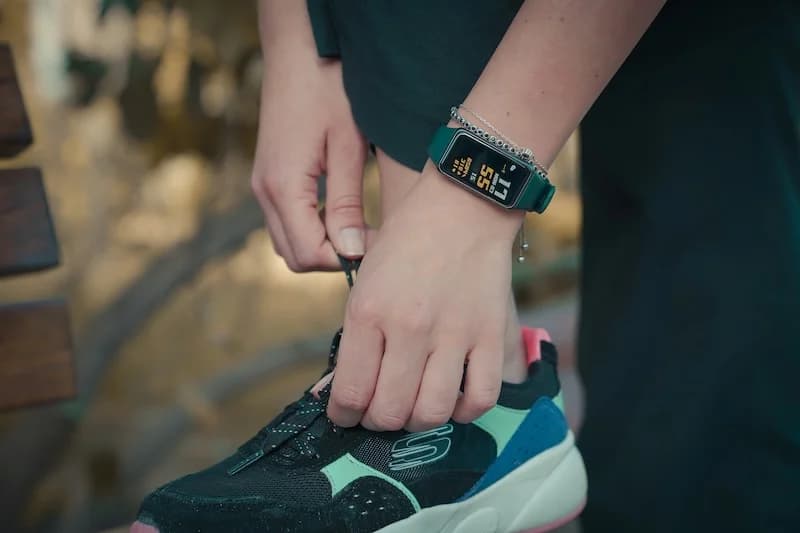
Fitness Tracker Vs Smartphone Step Accuracy

Understand why accuracy varies between devices, how phone placement affects counting, how wrist devices differ in measurement, and best practices to get the most accurate step data.
Whether you use a fitness tracker on your wrist or rely on your smartphone in your pocket, you want accurate step counts. But these devices measure movement differently, leading to varying results. Understanding these differences helps you get the most reliable data.
Here is what you need to know about fitness tracker versus smartphone step accuracy.
Why Accuracy Varies Between Devices
Several factors cause step count differences between devices.
Different Sensor Locations
The position of the device affects what it measures:
Smartphone (typically in pocket):
- Measures hip or thigh movement
- Detects vertical motion of walking
- Moves with your center of mass
- Less affected by arm activity
Fitness tracker (on wrist):
- Measures arm swing
- Detects wrist motion during walking
- Affected by arm movements
- May miss steps when arms are still
This fundamental difference in location creates different data.
Different Algorithms
Each device uses unique software to interpret motion:
Algorithm differences:
- Threshold settings for what counts as a step
- Filtering methods for non-walking motion
- Pattern recognition approaches
- Calibration assumptions
Result:
- Same walking session, different counts
- Neither is necessarily "wrong"
- Each optimized for its sensor location
Sensor Quality Variations
Not all sensors are equal:
Premium devices:
- More sensitive accelerometers
- Additional sensors (gyroscope, barometer)
- Better noise filtering
- More accurate readings
Budget devices:
- Basic accelerometers
- Fewer supplementary sensors
- More noise in data
- Less precise detection
Even devices from the same manufacturer can have accuracy differences based on the model and generation. Newer devices typically have improved sensors and algorithms.
Individual Walking Style
Your personal gait affects accuracy:
Walking style factors:
- Arm swing amplitude
- Step length
- Walking pace
- Posture
Impact:
- Some people's walking matches device assumptions better
- Others may see more inaccurate counts
- No device perfectly fits everyone
Activity Type
Different activities challenge devices differently:
How Phone Placement Affects Counting
Where you carry your phone significantly impacts accuracy.
Optimal Placements
Some positions work better than others:
Front pants pocket:
- Best overall accuracy
- Phone moves with hip motion
- Consistent orientation
- Recommended for most users
Back pants pocket:
- Very good accuracy
- Similar to front pocket
- May be less comfortable sitting
- Works well for walking
Jacket or coat pocket:
- Good accuracy
- Phone moves with upper body
- Seasonal option
- Less consistent than pants pocket
Suboptimal Placements
Some positions reduce accuracy:
Loose bag or purse:
- Reduced accuracy
- Phone does not move with body
- Swinging motion may cause false counts
- Steps often missed
Backpack:
- Poor accuracy
- Minimal movement transfer
- Many steps missed
- Not recommended for step counting
Hand (loosely held):
- Variable accuracy
- Depends on arm swing
- Inconsistent results
- Better to pocket the phone
For best smartphone accuracy, keep your phone in a pants pocket where it moves with your body. Consistency in placement also helps, as the device learns your walking patterns over time.
Why Placement Matters
The physics of step detection:
How phones detect steps:
- Accelerometer measures vertical acceleration
- Walking creates distinctive up-down pattern
- Phone must move with your body
- Loose placement disrupts the pattern
Ideal conditions:
- Phone secured against body
- Moves up and down with each step
- Consistent orientation
- Minimal extra motion
Adjusting for Your Situation
Optimize based on your habits:
If you carry phone in bag:
- Consider a fitness tracker instead
- Or move phone to pocket when walking
- Accept lower accuracy
If you switch placements:
- Accuracy will vary
- Try to be consistent
- Choose one primary location
How Wrist Devices Differ in Measurement
Fitness trackers have unique characteristics.
Arm Swing Detection
Wrist devices rely on arm movement:
How it works:
- Accelerometer on wrist detects swing
- Algorithm looks for walking pattern
- Counts arm swings as steps
- Assumes arms swing with walking
When it works well:
- Natural arm swing while walking
- Arms free and moving
- Consistent walking pace
When it struggles:
- Arms not swinging (hands in pockets)
- Pushing cart or stroller
- Carrying objects
- Arm-intensive activities
False Positive Risks
Wrist devices can overcount:
Activities that may trigger false steps:
- Gesturing while talking
- Cooking and food preparation
- Typing (some devices)
- Brushing teeth
- Clapping
How devices try to prevent this:
- Pattern recognition
- Duration thresholds
- Heart rate correlation (some devices)
- Activity classification
Wrist Position Variations
How you wear the device matters:
Optimal wearing:
- Snug fit (not too tight)
- One finger width above wrist bone
- Sensor against skin
- Consistent positioning
Problems from poor fit:
- Loose device slides around
- Inconsistent readings
- More false positives
- Reduced accuracy
Device Quality Differences
Not all fitness trackers are equal:
Premium trackers (Apple Watch, Fitbit Charge, Garmin):
- Multiple sensors
- Advanced algorithms
- Heart rate validation
- Better accuracy
Budget trackers:
- Basic accelerometer only
- Simple algorithms
- More false counts
- Lower accuracy

Steps App
FreeSteps App leverages your iPhone's precise motion sensors to deliver accurate step counts without requiring an additional wearable device. The phone in your pocket provides reliable tracking, and the app's integration with Apple Health ensures your data is consistent and trustworthy.
Best Practices to Get the Most Accurate Step Data
Maximize accuracy regardless of device.
For Smartphone Users
Placement best practices:
- Keep phone in pants pocket
- Use the same pocket consistently
- Ensure phone is secure, not loose
- Carry phone when walking (do not leave behind)
Settings to check:
- Motion & Fitness enabled
- Health app permissions granted
- Software updated
- Battery optimization not blocking tracking
Walking habits:
- Walk naturally
- Maintain consistent pace
- Do not shuffle or drag feet
- Normal stride length
For Fitness Tracker Users
Wearing best practices:
- Proper fit (snug but comfortable)
- Correct position on wrist
- Sensor against skin
- Wear consistently
Usage tips:
- Let arms swing naturally
- Avoid keeping hands in pockets
- Use activity modes when available
- Sync regularly
Calibration:
- Input accurate height and weight
- Do calibration walks if available
- Allow device to learn your patterns
For Both Devices
General accuracy tips:
Walk naturally:
- Normal gait and pace
- Consistent rhythm
- Let body move naturally
- Do not try to "trick" the counter
Be consistent:
- Same device for tracking
- Same placement or wearing style
- Regular usage patterns
- Consistent habits
Accept limitations:
- No device is perfect
- 5-10% variance is normal
- Trends matter more than exact counts
- Do not obsess over small differences
If your step count seems significantly off (more than 20% different from expected), check your device settings, placement, and fit. Major inaccuracies usually have a fixable cause.
Comparing Devices
If you use multiple devices:
Expect differences:
- Counts will rarely match exactly
- 5-15% variance is common
- Different algorithms produce different results
Choose a primary device:
- Pick one for official tracking
- Use that for goals and trends
- Reduces confusion and frustration
Understand why they differ:
- Location differences (wrist vs pocket)
- Algorithm differences
- Sensitivity settings
- Neither is necessarily wrong
Calibration and Learning
Devices improve over time:
How devices learn:
- Track your walking patterns
- Adjust to your stride
- Improve accuracy with use
- Some require GPS calibration walks
Helping the process:
- Use device consistently
- Allow time for learning
- Do calibration activities if available
- Keep software updated
When Accuracy Matters
Context determines how important precision is.
For Daily Health Tracking
Approximate accuracy is sufficient:
- Trends matter more than exact counts
- Consistency is key
- 8,000 vs 8,500 steps is negligible difference
- Focus on patterns over time
For Weight Loss Goals
Relative accuracy works:
- Track progress over weeks and months
- Compare to your own baseline
- Exact calories burned less important than trends
- Consistency in tracking matters most
For Medical Purposes
Higher accuracy may be needed:
- Research uses validated equipment
- Clinical settings have specific devices
- Consumer devices are not medical grade
- Discuss with healthcare provider
For Competitions and Challenges
Consider fairness:
- Same device type for all participants
- Or accept that counts will vary
- Focus on personal improvement
- Do not compare exact numbers across devices
The Bottom Line
Both fitness trackers and smartphones can provide accurate step counts, but they measure differently and have different strengths. Smartphones excel when carried in a pocket and are better for activities where arms are occupied. Fitness trackers excel at constant wear and natural walking with arm swing. Neither is universally more accurate.
Key takeaways:
- Accuracy varies due to sensor location, algorithms, and individual factors
- Phone placement significantly affects smartphone accuracy
- Wrist devices depend on arm swing for accurate counting
- Optimal placement and consistent use improve accuracy
- Both device types are typically 90-98% accurate in normal conditions
- Choose based on your lifestyle and how you will use the device
- Trends and consistency matter more than exact step counts
Use whichever device fits your life best and trust that it will help you reach your health goals.
References
Free calculators for this topic
Related Posts
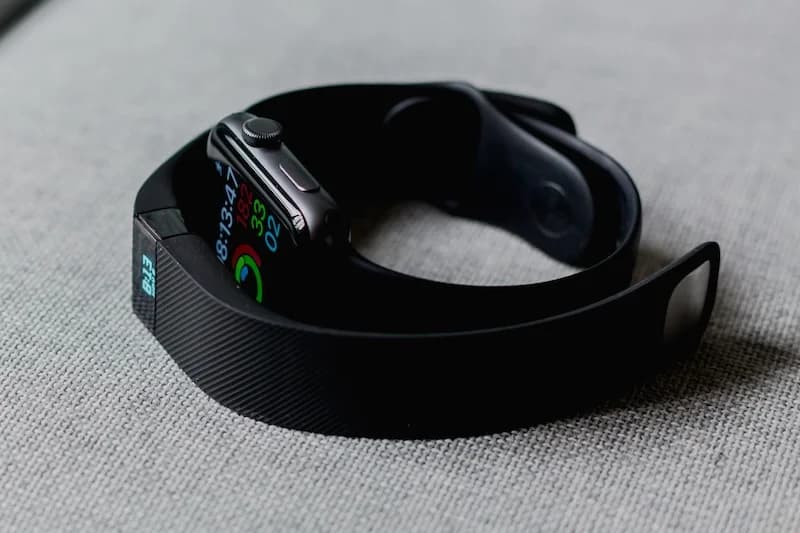
Smartphone Vs Fitbit Step Accuracy Compared
Learn how step tracking works on smartphones, how Fitbit and wearables count steps differently, which device tends to be more accurate, and how to improve accuracy regardless of device.
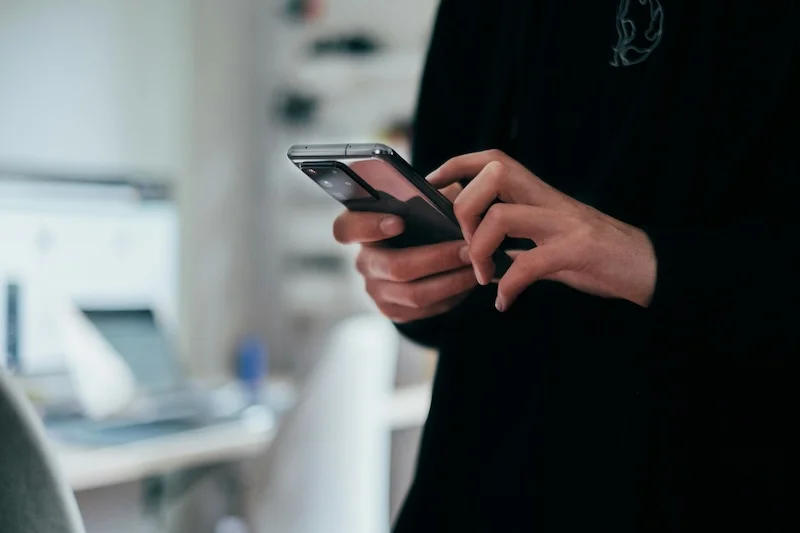
How To Track Steps Without Using A Smartphone
Discover the best standalone pedometers to use, how fitness trackers can replace smartphones, how to manually track steps if needed, and when combining devices makes sense.
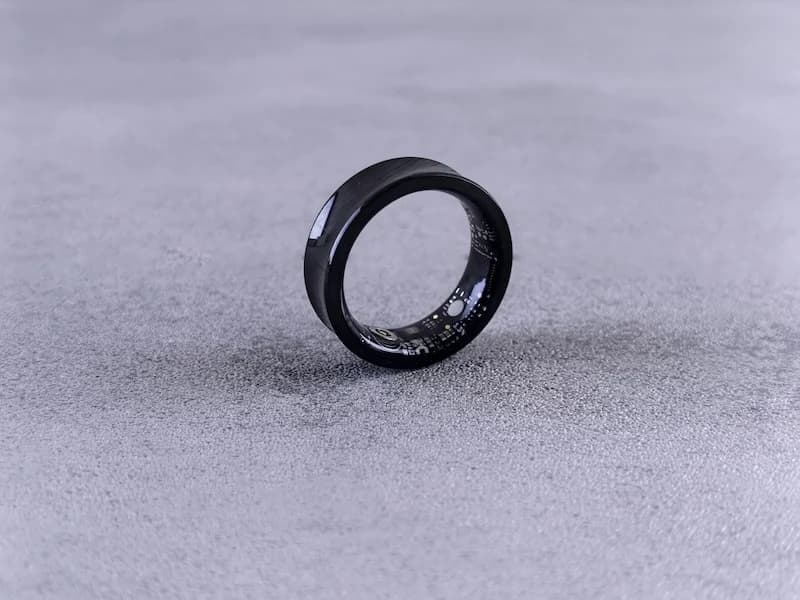
Phone Pedometer Apps vs Fitness Trackers: Which Is More Accurate?
Compare the accuracy of phone pedometer apps and fitness trackers. Learn how each measures steps, common sources of error, and tips for more accurate results.