
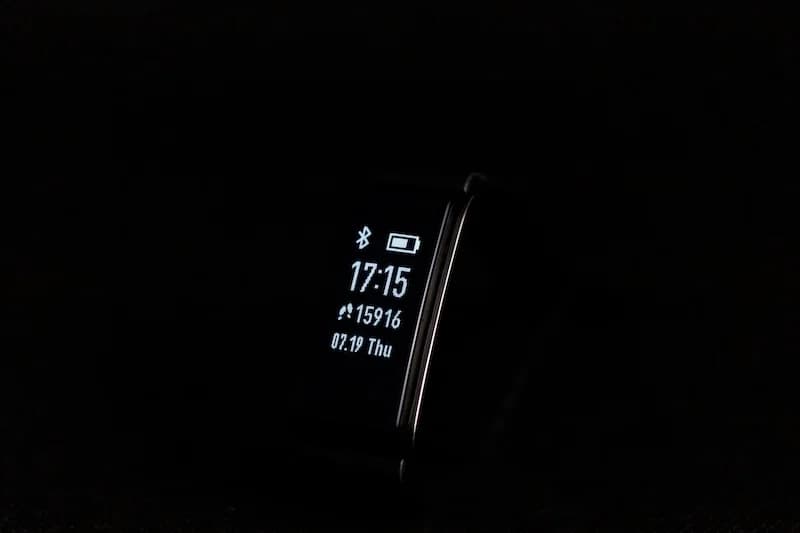
How Pedometers And Step Counters Actually Work

Understand how accelerometers detect movement, how algorithms convert motion into step counts, why accuracy varies across devices, and how to get the most reliable readings.
Every time you check your step count, sophisticated technology is working behind the scenes. Modern pedometers and step counters use advanced sensors and algorithms to detect and count your steps. Understanding how this technology works helps you use it more effectively and get more accurate results.
Here is how pedometers and step counters actually work.
How Accelerometers Detect Movement
The accelerometer is the core sensor that makes step counting possible.
What Is an Accelerometer?
An accelerometer is a tiny sensor that measures acceleration:
Basic function:
- Detects changes in velocity
- Measures movement in three dimensions (x, y, z)
- Responds to both motion and gravity
- Extremely sensitive to small movements
Physical structure:
- Microscopic moving parts
- Capacitive plates that shift with motion
- Changes in electrical signal indicate movement
- Packaged in tiny chip (few millimeters)
MEMS Technology
Modern accelerometers use MEMS (Micro-Electro-Mechanical Systems):
How MEMS works:
- Microscopic mechanical structures
- Etched into silicon chips
- Moving parts smaller than human hair
- Combine mechanical and electronic elements
Benefits:
- Extremely small size
- Low power consumption
- High sensitivity
- Affordable to manufacture
The accelerometer in your smartphone is smaller than a grain of rice but can detect movements as small as 0.001g (one-thousandth of Earth's gravity). This sensitivity allows it to detect the subtle motion of walking.
Three-Axis Detection
Accelerometers measure movement in three directions:
X-axis: Side-to-side movement Y-axis: Forward-backward movement Z-axis: Up-down movement
Why three axes matter:
- Walking creates distinctive patterns in all three
- Device orientation does not matter
- Can detect steps regardless of phone position
- More accurate than single-axis sensors
The Walking Signature
Walking creates a recognizable pattern:
What happens when you walk:
- Foot strikes ground (impact)
- Body moves upward slightly
- Weight transfers
- Push-off creates acceleration
- Swing phase
- Next foot strikes
What the accelerometer sees:
- Rhythmic up-and-down motion
- Consistent timing between peaks
- Characteristic acceleration pattern
- Distinct from other movements
How Algorithms Convert Movement Into Step Counts
Raw sensor data must be processed to count steps.
Signal Processing
The accelerometer produces continuous data:
Raw data characteristics:
- Thousands of readings per second
- Contains noise and vibration
- Includes non-walking movements
- Needs filtering and interpretation
Initial processing:
- Combine x, y, z into single magnitude
- Filter out high-frequency noise
- Smooth the signal
- Identify peaks and valleys
Peak Detection
Steps are identified by detecting peaks in the signal:
How peak detection works:
- Signal rises as foot strikes
- Peak occurs at maximum impact
- Signal falls during swing phase
- Next peak indicates next step
Thresholds:
- Minimum peak height (filters small movements)
- Minimum time between peaks (prevents double-counting)
- Maximum time between peaks (ensures continuous walking)
Pattern Recognition
Modern algorithms use pattern recognition:
What algorithms look for:
- Consistent rhythm
- Expected peak shape
- Appropriate timing
- Walking-like characteristics
Machine learning approaches:
- Trained on thousands of walking samples
- Learn to distinguish walking from other activities
- Adapt to different walking styles
- Improve accuracy over time
Modern smartphones use machine learning algorithms that have been trained on millions of walking samples. This allows them to accurately distinguish walking from activities like driving, typing, or random movements.
Filtering Non-Walking Motion
Algorithms must reject false steps:
Movements that are NOT steps:
- Driving on bumpy roads
- Typing or tapping
- Gesturing while talking
- Random phone movements
How filtering works:
- Duration requirements (walking is sustained)
- Rhythm requirements (steps are regular)
- Intensity thresholds
- Activity classification
Step Counting Logic
The final step count is determined by:
Counting rules:
- Each valid peak equals one step
- Peaks must meet all criteria
- Continuous walking is tracked
- Brief pauses are handled
Edge cases:
- Very slow walking (may miss some steps)
- Very fast walking (may count accurately)
- Irregular gait (may affect accuracy)
- Carrying phone in unusual positions
Why Accuracy Varies Across Devices
Not all step counters are equally accurate.
Sensor Quality Differences
Accelerometer quality varies:
Premium devices:
- Higher sensitivity sensors
- Better noise filtering
- Multiple sensors for redundancy
- More accurate readings
Budget devices:
- Basic accelerometers
- More noise in signals
- Single sensor
- Lower accuracy
Algorithm Sophistication
Software quality matters:
Advanced algorithms:
- Machine learning based
- Trained on diverse data
- Adaptive to user
- Regularly updated
Basic algorithms:
- Simple peak detection
- Fixed thresholds
- No learning
- Less accurate
Device Placement
Where the device is worn affects accuracy:
Smartphone in pocket:
- Moves with hip
- Good vertical motion detection
- Consistent placement helps
Wrist-worn device:
- Detects arm swing
- Different algorithm needed
- May miss steps when arms are still
Clip-on pedometer:
- Designed for waist placement
- Optimized for that position
- May be less accurate elsewhere
Individual Variation
People walk differently:
Gait differences:
- Stride length varies
- Walking speed varies
- Arm swing varies
- Impact force varies
Impact on accuracy:
- Algorithms assume average walking
- Unusual gait may reduce accuracy
- Some people match algorithms better
- Calibration can help

Steps App
FreeSteps App uses your iPhone's advanced motion sensors and sophisticated algorithms to count steps accurately. The app leverages Apple's motion coprocessor, which continuously processes sensor data with minimal battery impact. This means reliable step counting that works automatically in the background.
Environmental Factors
External conditions affect accuracy:
Terrain:
- Flat surfaces are easiest
- Stairs may count differently
- Uneven ground affects gait
Speed:
- Normal walking is most accurate
- Very slow walking may undercount
- Running uses different patterns
How to Get the Most Reliable Readings
Maximize your step counter accuracy.
Consistent Device Placement
Keep your device in the same place:
For smartphones:
- Front pants pocket is best
- Same pocket each day
- Secure placement (not loose)
- Avoid bags or purses
For wrist devices:
- Snug fit
- Consistent position
- Sensor against skin
Walk Naturally
Your walking style affects accuracy:
Best practices:
- Normal pace
- Natural arm swing
- Consistent rhythm
- Avoid shuffling
What to avoid:
- Exaggerated movements
- Holding phone in hand
- Unusual gait
- Very slow walking
Allow Calibration
Let your device learn your walking:
Calibration methods:
- GPS-assisted walks (some devices)
- Manual stride length input
- Automatic learning over time
- Calibration walks
Benefits:
- Improved accuracy
- Better distance estimates
- Personalized counting
Keep Software Updated
Updates improve accuracy:
Why updates matter:
- Algorithm improvements
- Bug fixes
- New features
- Better accuracy
How to update:
- Enable automatic updates
- Check for updates regularly
- Install promptly
Understand Limitations
Accept that no device is perfect:
Normal accuracy range:
- 90-98% for most devices
- Varies by activity
- Trends matter more than exact counts
When accuracy matters less:
- Daily health tracking
- General fitness goals
- Habit building
When accuracy matters more:
- Research studies
- Medical purposes
- Precise training
Do not obsess over exact step counts. A 5-10% variance is normal and expected. Focus on trends and consistency rather than precise numbers. If your device consistently shows 9,500 steps when you walked 10,000, the trend data is still valuable.
Compare Thoughtfully
If using multiple devices:
Expect differences:
- Different algorithms produce different counts
- Neither is necessarily wrong
- Choose one as your primary tracker
Useful comparisons:
- Identify consistent undercounting
- Spot device problems
- Understand your devices
The Evolution of Step Counting
Step counting technology has improved dramatically.
Early Pedometers
Mechanical devices from decades ago:
How they worked:
- Pendulum mechanism
- Swinging weight
- Mechanical counter
- Required clip-on placement
Limitations:
- Single axis only
- Required specific placement
- Easily fooled
- No data storage
Digital Pedometers
Electronic but basic:
Improvements:
- Digital display
- Memory for multiple days
- More accurate sensors
- Smaller size
Still limited:
- Dedicated device needed
- Basic algorithms
- No connectivity
Smartphone Era
Modern smartphone pedometers:
Advantages:
- Always with you
- Advanced sensors
- Sophisticated algorithms
- Connected to health ecosystems
Current state:
- Very accurate
- Automatic tracking
- Rich data and insights
- Continuous improvement
The Bottom Line
Pedometers and step counters work by using accelerometers to detect the distinctive motion pattern of walking, then applying algorithms to count each step. While the technology is sophisticated, understanding how it works helps you use it more effectively. Consistent device placement, natural walking, and realistic expectations about accuracy will help you get the most from your step tracking.
Key takeaways:
- Accelerometers detect movement in three dimensions
- Algorithms identify the walking pattern and count peaks as steps
- Accuracy varies based on sensor quality, algorithms, and placement
- Smartphone accelerometers are highly accurate for most purposes
- Consistent placement improves accuracy
- Trends matter more than exact step counts
- Keep software updated for best performance
Trust your step counter and focus on building healthy walking habits.
References
Free calculators for this topic
Related Posts
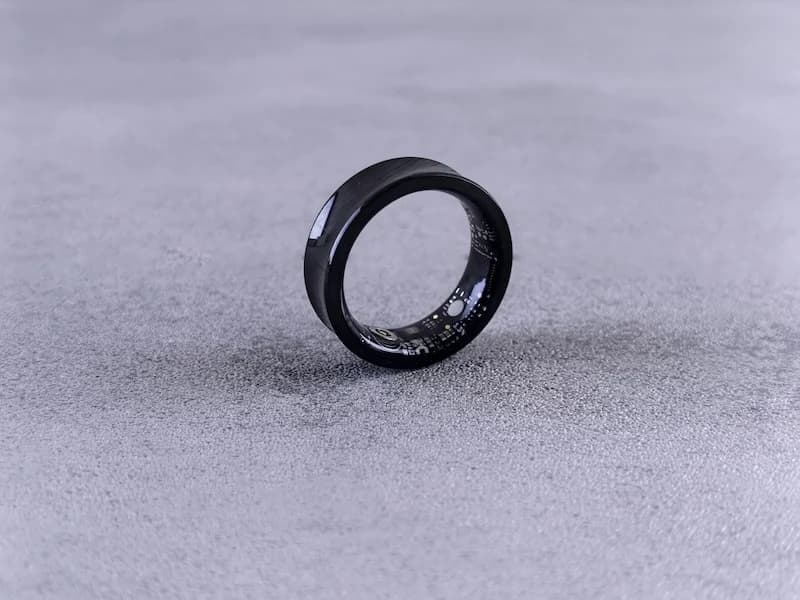
Phone Pedometer Apps vs Fitness Trackers: Which Is More Accurate?
Compare the accuracy of phone pedometer apps and fitness trackers. Learn how each measures steps, common sources of error, and tips for more accurate results.

How To Track Steps Without Using A Smartphone
Discover the best standalone pedometers to use, how fitness trackers can replace smartphones, how to manually track steps if needed, and when combining devices makes sense.
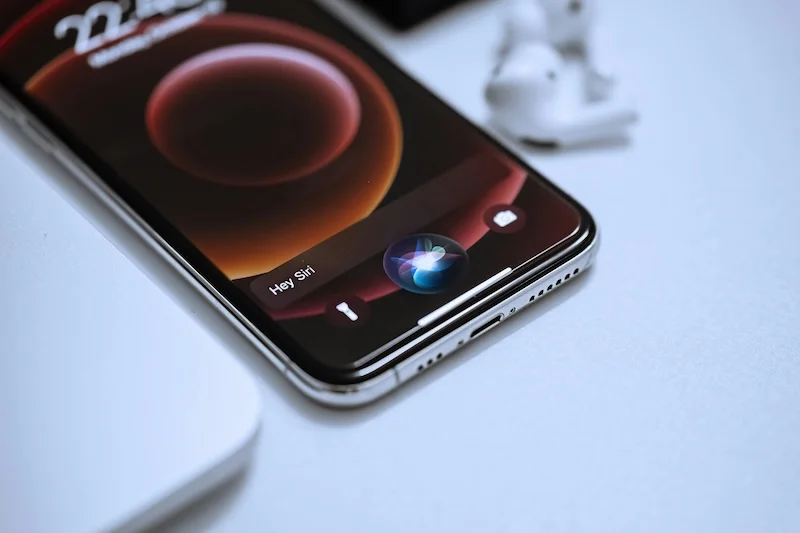
How To Improve Smartphone Step Counting Accuracy
Learn how to carry your phone for best results, how walking style affects step detection, phone settings that improve precision, and how to verify accuracy with simple checks.