
Privacy-Friendly Step Counter Apps for iPhone: Which Apps Protect Your Data?

Learn why privacy matters for health data, what to look for in privacy-respecting apps, how to review App Store privacy labels, and which apps handle your data responsibly.
Your step counter knows a lot about you. Where you go, when you are active, your daily routines. This data is valuable, and not all apps handle it responsibly.
Here is how to choose a step counter that respects your privacy.
Why Privacy Matters for Health and Location Data
Health and location data are among the most sensitive types of personal information.
What Step Counters Can Know About You
A step tracking app can potentially access:
Activity patterns:
- When you wake up and go to sleep
- How active you are each day
- Your exercise routines
- Sedentary periods
Location data (if GPS enabled):
- Where you live
- Where you work
- Routes you walk
- Places you visit
Health information:
- Your fitness level
- Weight and body measurements
- Health conditions (inferred from activity)
- Progress over time
Why This Data Is Valuable
Companies want this data for:
Advertising: Targeted ads based on your activity and location
Data selling: Selling aggregated or individual data to third parties
Insurance: Health data could affect insurance rates
Profiling: Building detailed profiles of your behavior
Real Privacy Risks
Privacy breaches with health data have real consequences:
- Data breaches expose sensitive information
- Sold data ends up with unknown parties
- Inferred health conditions could affect employment or insurance
- Location data can reveal sensitive places you visit
Unlike a credit card number, you cannot change your health history or location patterns. Once this data is exposed, you cannot take it back.
The Good News
You can protect yourself by choosing apps that:
- Collect minimal data
- Do not sell your information
- Store data locally on your device
- Are transparent about their practices
What to Look for in a Privacy-Respecting Step App
Not all step counters are created equal. Here is what to evaluate.
Data Collection Practices
Best: App collects no data or only anonymous analytics
Good: App collects minimal data, clearly explained
Concerning: App collects extensive data without clear justification
Red flag: App collects location data when not needed for features
Data Storage Location
Best: Data stored only on your device (local storage)
Good: Data stored in your iCloud (you control it)
Concerning: Data stored on company servers
Red flag: Data stored on servers in countries with weak privacy laws
Data Sharing and Selling
Best: No data sharing with third parties
Good: Limited sharing with clear disclosure
Concerning: Sharing with "partners" without specifics
Red flag: Selling data to advertisers or data brokers
Account Requirements
Best: No account required, works offline
Good: Optional account for sync features
Concerning: Required account with extensive personal information
Red flag: Required social media login
The best privacy-respecting apps work entirely on your device. They read step data from Apple Health and display it without sending anything to external servers.
Location Permissions
Best: No location permission requested
Good: Location only when using specific features (route mapping)
Concerning: Location "While Using App" for basic step counting
Red flag: Location "Always" for a step counter
Third-Party SDKs
Many apps include third-party code that collects data:
Analytics SDKs: Track how you use the app
Advertising SDKs: Collect data for targeted ads
Social SDKs: Connect to social platforms
Privacy-focused apps minimize or eliminate these SDKs.
How to Review App Privacy Labels on the App Store
Apple requires apps to disclose their data practices. Here is how to read these labels.
Finding Privacy Labels
- Open the App Store
- Search for the app
- Scroll down to App Privacy
- Tap See Details for full information
Understanding the Categories
Data Used to Track You: Data linked to your identity and used across apps/websites for advertising. This is the most concerning category.
Data Linked to You: Data connected to your identity but not used for tracking. Less concerning but still collected.
Data Not Linked to You: Anonymous data not connected to your identity. Lower risk.
Data Not Collected: The app does not collect any data. This is the gold standard for privacy.
What to Look For
Green flags:
- "Data Not Collected"
- "Data Not Linked to You" only
- Minimal data types listed
- No location or health data shared
Yellow flags:
- "Data Linked to You" with reasonable justification
- Analytics data collected
- Contact info for account features
Red flags:
- "Data Used to Track You"
- Location data collected for basic features
- Health data shared with third parties
- Extensive data collection without clear purpose
Example Privacy Label Review
Privacy-respecting app:
- Data Not Collected
- Or: Usage Data (Not Linked to You) for crash reports only
Privacy-concerning app:
- Data Used to Track You: Location, Usage Data
- Data Linked to You: Health, Contact Info, Identifiers
- Third-party advertising
Before downloading any health app, spend 30 seconds reviewing its privacy label. This small step can protect your data for years.
How Steps App Handles Your Data
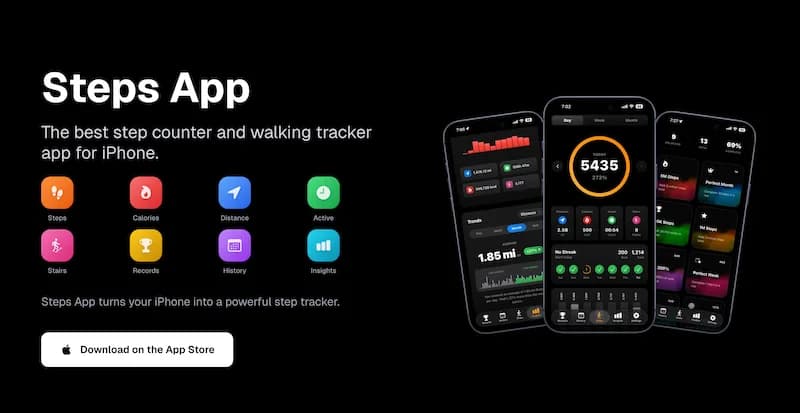
Let me explain how a privacy-focused step counter should work, using Steps App as an example.
No Data Collection
Steps App is designed with privacy as a core principle:
- Data Not Collected: The developer does not collect any data from the app
- All step data stays on your device
- No account required
- No servers storing your information
How It Works Without Collecting Data
Steps App reads step data from Apple Health, which your iPhone already collects. The app:
- Reads steps, distance, calories from Health
- Displays this data in the app
- Stores preferences locally on your device
- Never sends data to external servers
No Location Tracking
Steps App does not request location permissions because:
- Step counting does not require GPS
- Your iPhone counts steps using motion sensors
- No route mapping features that would need location
- Battery is preserved by not using GPS
No Third-Party Advertising
The app does not include:
- Advertising SDKs
- Data broker connections
- Social media trackers
- Analytics that identify you
Steps App
FreeSteps App is built with privacy first. The developer does not collect any data from the app. Your steps, distance, and calories stay on your device. No account required, no data sold, no tracking. Just simple, private step counting.
Subscription Model vs Ad Model
Steps App uses a subscription model rather than advertising:
Subscription model benefits:
- No need to collect data for ads
- User is the customer, not the product
- Aligned incentives (make a great app, not harvest data)
- Sustainable business without privacy compromise
Advertising model risks:
- Data collection funds the app
- More data = more revenue
- User data is the product being sold
- Privacy and profit are in conflict
Evaluating Other Step Counter Apps
Here is how to evaluate any step counter for privacy:
Step 1: Check the Privacy Label
Before downloading:
- Find the app in App Store
- Review the App Privacy section
- Look for "Data Not Collected" or minimal collection
- Avoid apps with extensive tracking
Step 2: Review Permissions Requested
After installing:
- Check what permissions the app requests
- Deny location if not needed for your use
- Be cautious of apps requesting many permissions
- Review permissions in Settings > Privacy
Step 3: Read the Privacy Policy
For apps you are considering:
- Find the privacy policy link in App Store
- Look for clear statements about data collection
- Check if data is sold or shared
- Verify data storage location
Step 4: Check for Account Requirements
Consider whether the app:
- Works without an account
- Requires minimal information for account
- Offers local-only mode
- Syncs only to your iCloud
Step 5: Research the Developer
Look into:
- Developer reputation
- Company location and privacy laws
- History of privacy issues
- Business model (ads vs subscription)
Privacy Settings to Enable on iPhone
Beyond app choice, protect your data with these settings:
Limit Ad Tracking
- Open Settings
- Tap Privacy and Security
- Tap Apple Advertising
- Turn off Personalized Ads
Review App Permissions Regularly
- Open Settings
- Tap Privacy and Security
- Review each category (Location, Health, etc.)
- Revoke unnecessary permissions
Use App Tracking Transparency
When apps ask to track you:
- Tap Ask App Not to Track
- Or go to Settings > Privacy > Tracking
- Turn off Allow Apps to Request to Track
Review Health App Access
- Open Settings
- Tap Privacy and Security
- Tap Health
- Review which apps have access
- Remove access for unused apps
The Bottom Line
Your step data is personal. It reveals your routines, locations, and health patterns. Choosing a privacy-respecting step counter protects this sensitive information.
Key takeaways:
- Health and location data are highly sensitive
- Review App Store privacy labels before downloading
- Look for "Data Not Collected" apps
- Avoid apps that track you for advertising
- Check if location permission is actually needed
- Prefer subscription models over ad-supported apps
- Review permissions regularly
Your privacy is worth protecting. Choose apps that respect it.
References
Free calculators for this topic
Related Posts
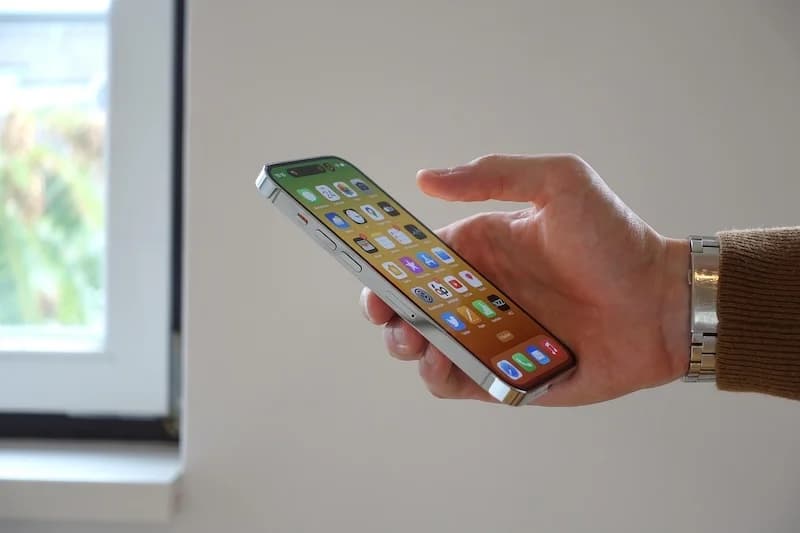
Step Counter Not Working on iPhone? Complete Troubleshooting Guide
Fix your iPhone step counter with this troubleshooting guide. Learn common reasons steps stop counting, quick fixes to try, how to test sensors, and when to contact support.
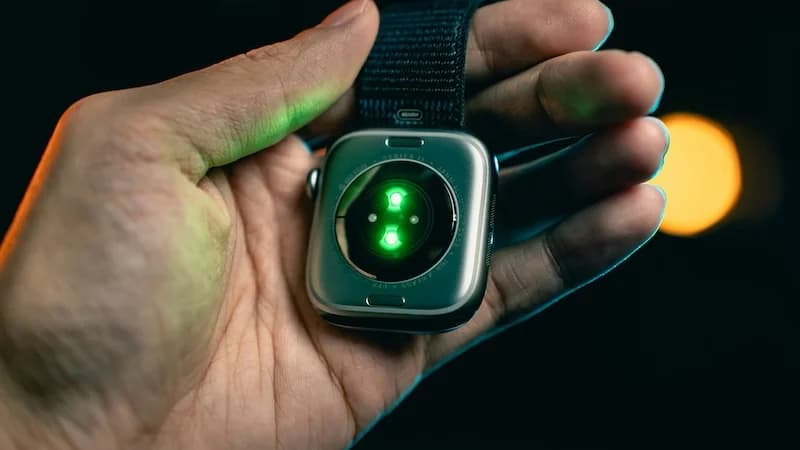
How To Use Apple Health For Accurate Step Tracking
Learn how Apple Health collects and displays steps, how to view long-term trends and averages, how to connect third-party apps, and how to improve the accuracy of Apple Health data.
How To Save Battery While Tracking Steps
Learn how step tracking uses your phone sensors, how to optimize battery settings, which features drain the most power, and discover low power step tracking best practices.